
QRPay Payment Gateway Solutions Developer API Documentation
Welcome to the QRPay Payment Gateway Solutions Developer API Documentation. This comprehensive guide will empower you to seamlessly integrate our advanced payment gateway into your website, enhancing your customers’ payment experience and enabling efficient transaction processing. The QRPay Developer API is designed for developers and entrepreneurs who seek simplicity, security, and reliability in their payment processing solutions.
Introduction
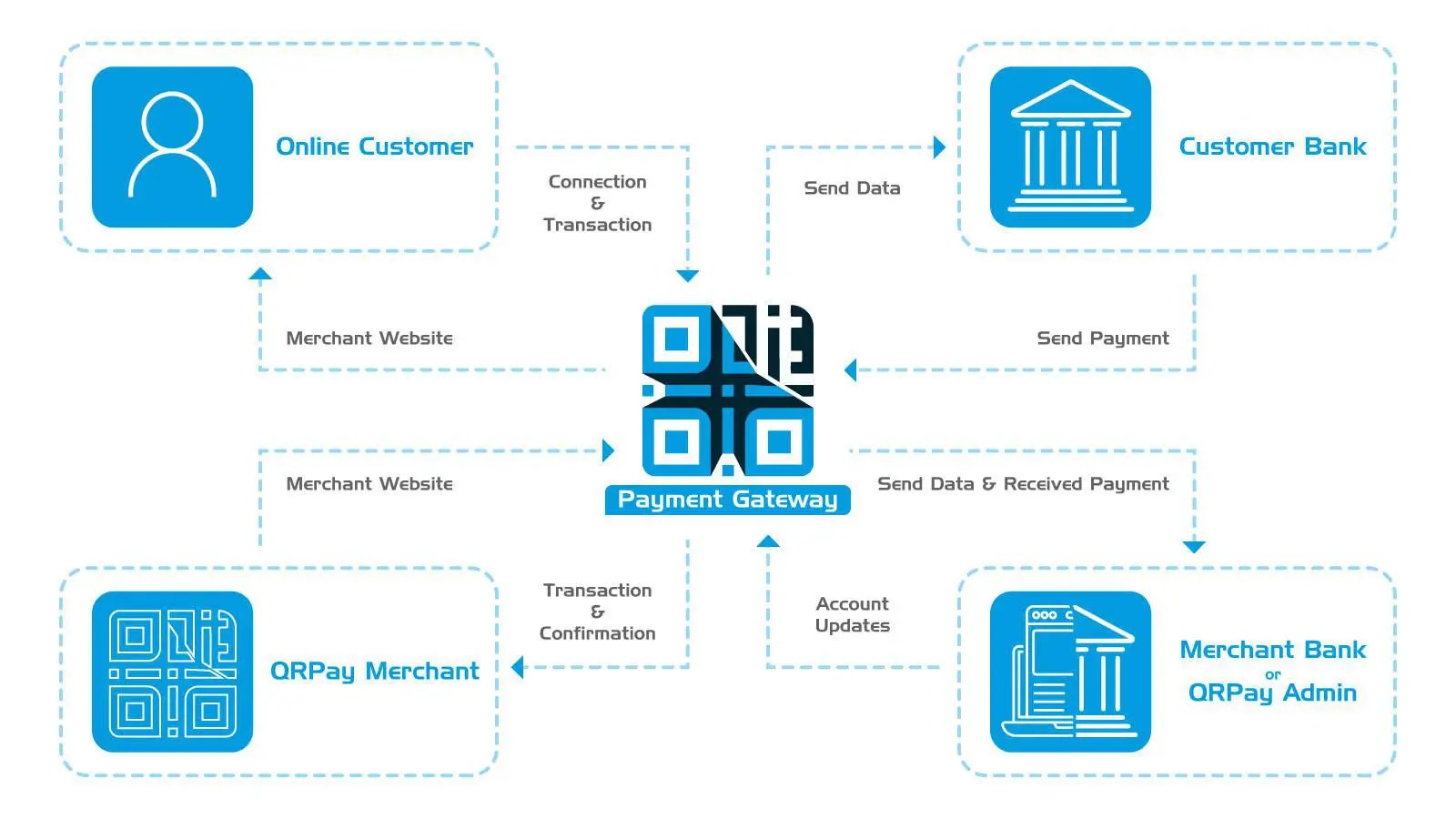
The QRPay Developer API allows you to seamlessly integrate QRPay’s Payment Gateway Solutions into your website, enabling secure and efficient debit and credit card transactions. With our API, you can initiate payments, check payment statuses, and even process refunds, all while ensuring a smooth and streamlined payment experience for your customers.
Quick start
Accept your first payment in four steps.
Get your API keys
Copy your client ID and secret key from the merchant dashboard.
Get Access Token
Exchange your keys for a short-lived access token.
Initiate Payment
Create a payment and redirect your customer to the checkout page.
Check Payment Status
Read the payment result on your return URL and complete the order.
Base URL
https://orvixpaybd.com/pay/sandbox/api/v1
https://orvixpaybd.com/pay/api/v1